All comparisons
10 clipboard managers
Compare
How Pastily stacks up against other clipboard managers.
Honest, side-by-side comparisons with the clipboard managers people switch from — platforms, pricing, privacy and the workflow features that matter.
At a glance
Pastily runs on macOS, Windows and Linux, stays fully offline, and is a one-time $8.99 purchase. The last five columns are features only Pastily brings together.
| App | Platforms | Pricing | Offline-first | Paste queue | Image Clipboard | 1-Click Image Download | Auto-Disappear Timers | Colour Preview | Live Clip Counter |
|---|---|---|---|---|---|---|---|---|---|
 Pastily Pastily | macOS, Windows, Linux | $8.99 one-time | |||||||
 Paste Paste | macOS, iOS, iPadOS | $29.99/year subscription or Setapp membership | Drag out only | Global retention only | |||||
 Maccy Maccy | macOS only | $9.99 on macOS App Store (or free open-source) | — | ||||||
 Ditto Ditto | Windows only | Free and Open-Source | — | Global expiry only | |||||
 CopyQ CopyQ | Windows, macOS, Linux | Free and Open-Source | Via custom commands | Via scripting | |||||
 Windows Clipboard History Windows Clipboard History | Windows 10 & 11 | Built-in (Free) | Cleared on restart | ||||||
 Raycast Clipboard Raycast Clipboard | macOS only | Free basic, $8/month for Pro (AI & Cloud sync features) | Global retention only | ||||||
 Alfred Clipboard Alfred Clipboard | macOS only | Requires Alfred Powerpack license (~$38 USD) | — | Global retention only | |||||
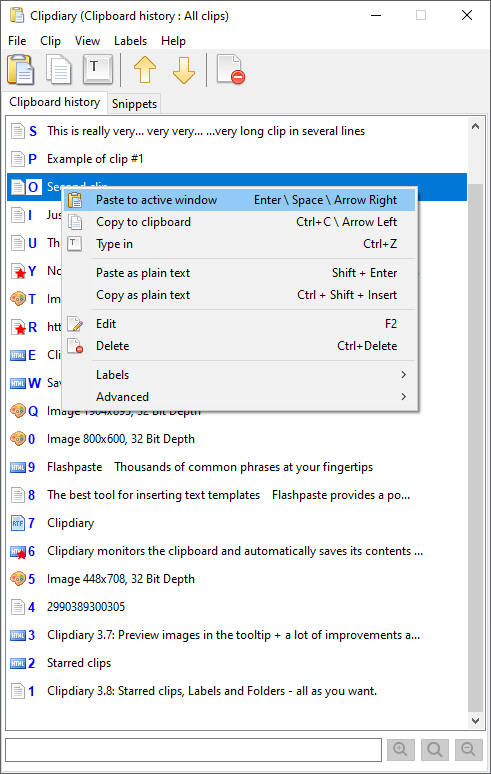 Clipdiary Clipdiary | Windows only | $19.99 for personal license (free basic home version available) | — | ||||||
 Clipy Clipy | macOS only | Free and Open-Source | — | ||||||
 Pastebot Pastebot | macOS only | $12.99 on Mac App Store | Drag out only |
Detailed comparisons
Pick an app for the full breakdown.
vsPastily vs Paste
Compare Paste and Pastily for modern clipboard visual history, custom categorization spaces, hotkey speed, and subscription-free licensing.
vsPastily vs Maccy
Compare Maccy and Pastily for custom workspace spaces, visual previews, search indexing, and cross-platform Windows compatibility.
vsPastily vs Ditto
Compare Ditto and Pastily for layout styling, visual search indexing, platform support, and modern developer-first clipboard workflows.
vsPastily vs CopyQ
Compare CopyQ and Pastily for setup speed, visual layout simplicity, script command requirements, and clipboard productivity metrics.
vsPastily vs Windows Clipboard History
Compare the built-in Windows clipboard flyout (Win+V) and Pastily for privacy logs, data capacity, template folders, and sequential paste workflows.
vsPastily vs Raycast Clipboard
Compare Raycast Clipboard and Pastily for workspace folder organization, Windows compatibility, background telemetry logs, and dedicated keyboard layouts.
vsPastily vs Alfred Clipboard
Compare Alfred and Pastily for database visual formats, setup simplicity, platform availability, and developer multi-paste automation.
vsPastily vs Clipdiary
Compare Clipdiary and Pastily for user interface aesthetics, cross-platform availability, custom snippet organization, and developer paste workflows.
vsPastily vs Clipy
Compare Clipy and Pastily for visual search indexing, snippet categorization folder tabs, platform support, and sequential paste queues.
vsPastily vs Pastebot
Compare Pastebot and Pastily for price affordability, cross-platform compatibility, custom filter scripts, and sequential paste queue support.